Vibe Backgrounds

Your calls get a live, animated scene behind you. You can vibe-code your own.

15 days free · macOS 14 or later

Weekly sync
Alex
Sam

Setup

1

App

Download the app and drag it into the Applications folder.

2

Scene

Pick one of about 100 scenes, or make a custom one.

3

Camera

Choose Vibe Backgrounds as the camera in your video call app.
  • Teams
  • Zoom
  • Google Meet
  • FaceTime
  • Slack

Scenes

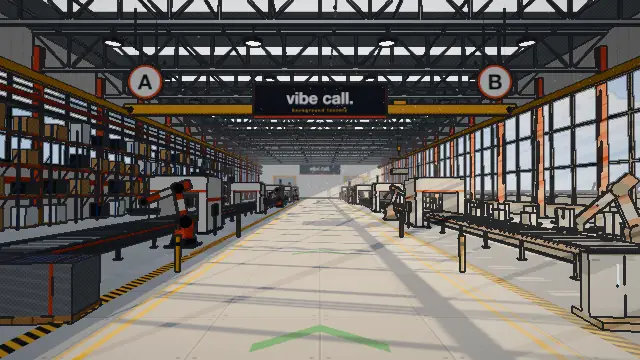
Solar factory
Neon city
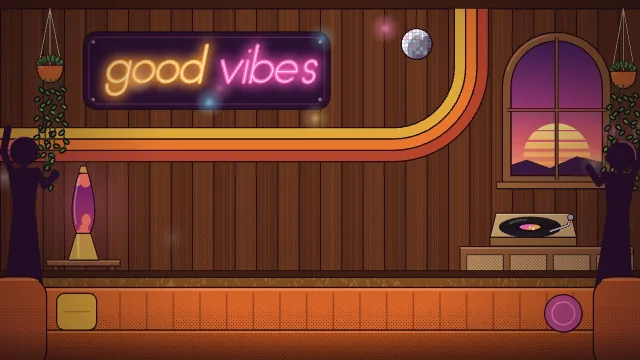
Seventies party
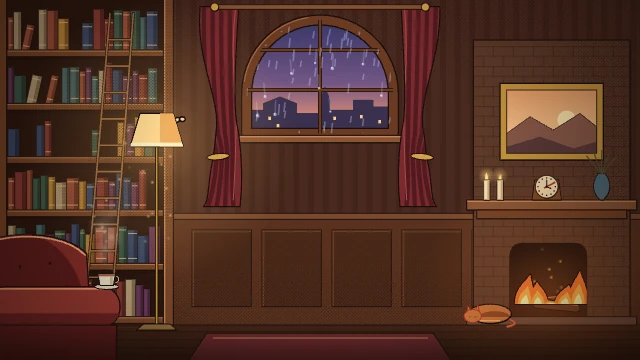
Cozy library
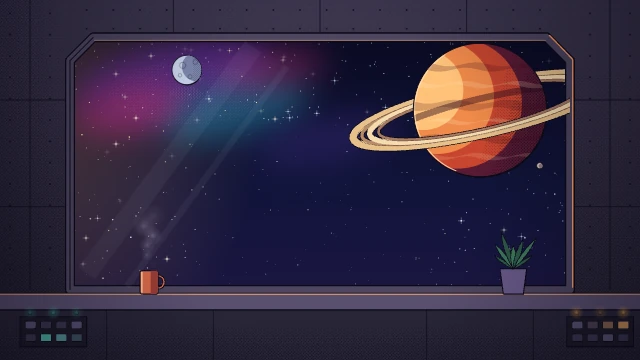
Deep space
Beach at dusk
claude.ai/public/artifacts/… my-scene.html
Custom
About 100 scenesPaste a Claude artifact link or drop in an HTML file to make a custom scene.

Price

$3once

15 days free, then $3 once on the website, or $4 on the Mac App Store.

Privacy

Background removal runs on your Mac, so your video stays there.
Video upload
None
Account
None
Tracking
None